NFC Technology Explained: A Plain-English Guide for Professionals in 2026
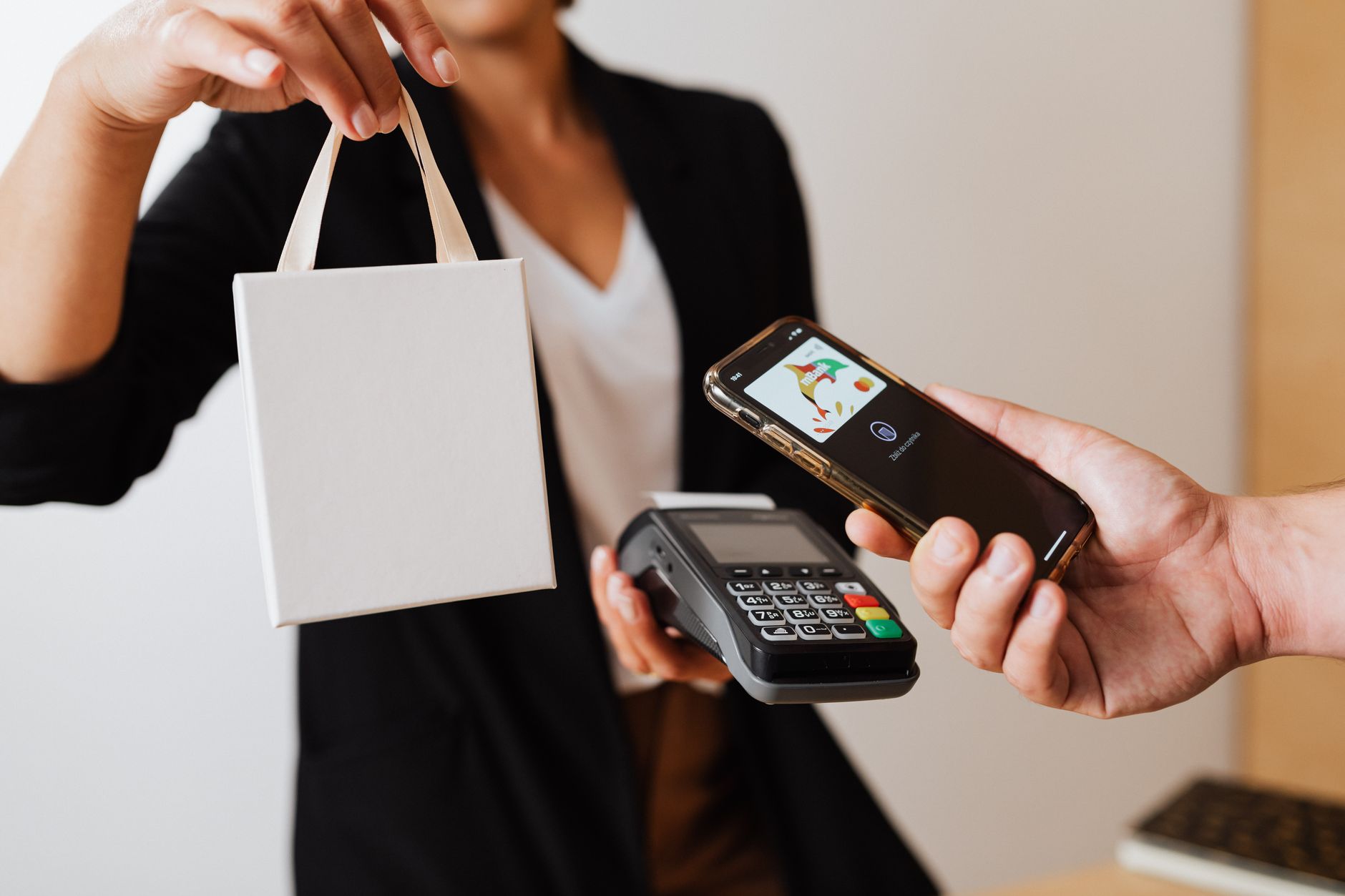
NFC technology explained simply: NFC stands for Near Field Communication, and it lets two devices share information instantly when held close together — no app, no Wi-Fi, no faff. Think of it like a digital handshake that happens in under a second. If you've ever tapped your bank card on a contactless reader, you've already used NFC. Now professionals are using the same technology to share contact details, portfolios, and social profiles — effortlessly.
What Is NFC Technology, Really?
What is NFC technology? At its core, it's a short-range wireless communication standard. It works over distances of roughly four centimetres or less, which is exactly what makes it so secure and intentional. Nothing happens unless you mean it to.
NFC is built on older RFID (Radio Frequency Identification) technology, but it's been refined for two-way, close-contact communication. Your phone almost certainly has an NFC chip inside it already. Most modern smartphones — iPhone and Android alike — support it natively.
You don't need to understand the engineering. All you need to know is this: tap, share, done.
How Does NFC Work? (Without the Jargon)

Here's the simplest way to think about how does NFC work: imagine your business card has a tiny, invisible radio antenna baked into it. When someone brings their phone close to that card, the phone reads the antenna's signal and instantly opens a webpage, saves your contact details, or displays your professional profile.
No Bluetooth pairing. No QR code scanning. No typing in a URL. Just a tap.
The NFC chip inside your card stores a small piece of data — typically a link. That link points to your digital business card NFC profile, which can hold everything: your name, role, company, phone number, email, LinkedIn, portfolio, and more. Change your details online and the card updates automatically. You never reprint a thing.
For a deeper technical overview, Wikipedia's NFC article covers the full standard if you're curious.
A Real-World Scenario: You're at a Conference

Imagine you're at a packed industry conference in London. You meet a potential client — conversation's flowing, energy's good. Then comes the awkward moment: the paper card fumble. You dig through your jacket, hand over a slightly crumpled card, and hope they don't lose it in the pile on their hotel desk.
Now imagine this instead. You tap your MyVeCard NFC card against their phone. In one second, your full profile appears on their screen — photo, links, contact details, a personalised message. They tap "Save to Contacts" and you're done. No paper. No printing costs. No crossed fingers.
That's contactless networking explained in a single moment. It's not just more impressive — it's more effective.
NFC Business Cards for Beginners: What You Actually Need to Know
If you're new to this world, NFC business cards for beginners can feel intimidating. They really shouldn't be. Here's what the setup actually looks like with MyVeCard:
Step 1: Create Your Profile
Sign up and build your digital profile online. Add your details, links, and a profile photo. It takes about ten minutes and looks genuinely polished from the start.
Step 2: Receive Your Card
Your NFC card arrives — a sleek, physical card that links directly to your profile. No technical setup required on your end. It's ready to use straight out of the envelope.
Step 3: Tap and Share
Hold your card near someone's phone. Their browser opens your profile automatically. They can save your details, visit your website, or connect on LinkedIn — all in seconds.
That's genuinely it. No app required for the person you're sharing with. Contactless technology has already trained most people to expect this kind of instant interaction. Your card simply takes advantage of a habit they already have.
Why Professionals Are Making the Switch in 2026
The business card hasn't died — it's evolved. Paper cards cost money to print, go out of date, and end up in bins. A digital business card NFC solution like MyVeCard costs a fraction of annual reprints, stays permanently up to date, and tracks how many people actually engage with your profile.
In 2026, sustainability matters too. The environmental case for going paperless is well established, and clients notice when you make conscious choices. Ditching paper cards is a small switch with a clear signal: you're modern, intentional, and forward-thinking.
For salespeople, freelancers, and entrepreneurs especially, every touchpoint is a chance to make an impression. An NFC card makes that impression before you've even said a word.
Is NFC Safe to Use?
Absolutely. Because NFC only works at extremely close range, accidental sharing is essentially impossible. Nobody is skimming your card from across the room. The data on the chip is typically just a web link — there's no sensitive personal data stored on the card itself.
Your profile lives securely on MyVeCard's platform, and you control exactly what's visible at all times. Update it, hide it, or switch it off entirely — you're always in charge.
Your Next Step
Now that you've got NFC technology explained in plain English, the question isn't whether it works — it's whether you want to keep handing out paper cards that people forget, or start making connections that actually stick.
MyVeCard makes the switch effortless. One card. One profile. Zero reprints. Whether you're a freelancer building a client base or a sales professional meeting dozens of people a week, MyVeCard gives you a smarter, sharper way to network.
Ready to tap into the future of networking? Create your free MyVeCard profile today and see how one small card can make a very big impression.